Free Broken Link Checker — Find Dead Links on Any Website | PBNLinks
Broken Link Checker
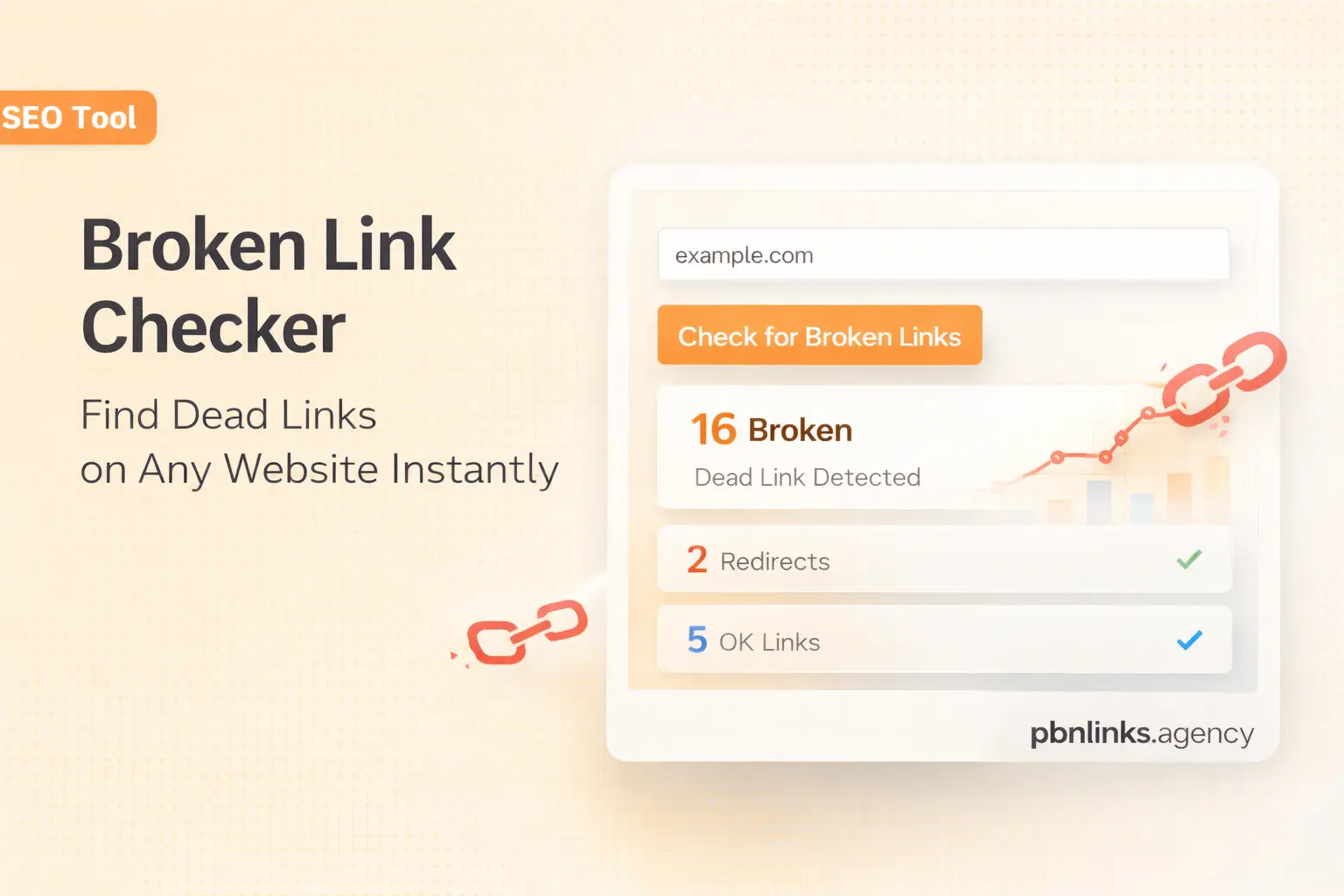
Scan any webpage — or check multiple URLs in bulk — for broken and dead links. Find 404 errors, redirect chains, and server issues that could be hurting your search rankings.
| # | Link URL | Status | Code |
|---|
Broken Links Found?
Replace dead backlinks with high-quality PBN links that actually pass authority. Check our current pricing and availability.
View PBN Link Packages →How It Works
Check a single page or scan multiple URLs in bulk — fast and free.
Enter URLs
Paste a single URL or switch to bulk mode and paste up to 20 URLs — from your sitemap, backlink report, or any pages you want to audit.
We Scan Each Page
Our server fetches each page and extracts every outbound and internal link found in the HTML source code.
Links Are Checked
We send a real HTTP request to each link and record the actual status code — 200, 301, 404, 500, and more.
Review & Export
See results in a color-coded table. Filter by status, see which page each link was found on, and export to CSV.
Why Broken Links Hurt Your SEO
Dead links are more than an annoyance — they can quietly damage your rankings.
Wasted Link Equity
When a backlink points to a dead page, the authority it carries typically goes nowhere. That’s ranking power you could be using.
Crawl Budget Issues
Search engine crawlers may spend time hitting 404 pages instead of indexing your live content, which can slow down how quickly new pages get discovered.
Poor User Experience
Visitors who land on broken links tend to bounce. High bounce rates and dead-end pages can signal low quality to search engines.
Frequently Asked Questions
Everything you need to know about using the broken link checker.
The Complete Guide to Finding and Fixing Broken Links
Broken links are one of the most overlooked technical SEO problems — and one of the easiest to fix once you know where they are. Whether you’re managing a personal blog or a large business website, dead links can gradually erode your search engine rankings, frustrate visitors, and waste the link equity you’ve worked hard to earn. This free broken link checker tool helps you quickly identify which links on any webpage are working, broken, redirected, or unverified, so you can take action before the damage compounds.
What Is a Broken Link?
A broken link — sometimes called a dead link — is a hyperlink that no longer leads to a valid destination. When a user or search engine crawler clicks a broken link, they typically receive a 404 “Not Found” error or a similar server error instead of the expected content. Broken links can occur for many reasons: the destination page may have been deleted, the URL structure may have changed during a site redesign, or the domain may have expired entirely.
It’s worth distinguishing between different types of link issues. A 404 error means the page simply doesn’t exist. A 410 status indicates the page was intentionally removed. A 301 or 302 redirect means the link goes somewhere, but not to the originally intended destination. And a 500 error means the destination server itself is having problems. Each of these situations calls for a slightly different approach, which is why our checker shows you the actual HTTP status code alongside each link.
Why Broken Links Matter for SEO
Search engines like Google use links to discover and rank web pages. When a link on your website points to a dead page, you’re essentially sending both users and crawlers into a dead end. Over time, this can lead to several problems. First, any link equity or authority flowing through that broken link is typically lost. If a high-authority site is linking to one of your pages that no longer exists, that’s valuable ranking power going to waste.
Second, broken links can affect how efficiently search engines crawl your site. Every time a crawler encounters a 404 error, it spends part of its allocated crawl budget on a page that returns no useful content. For larger sites with thousands of pages, this can meaningfully slow down how quickly new or updated content gets indexed. Third, from a user experience standpoint, broken links erode trust. Visitors who repeatedly encounter dead links may perceive the site as outdated or poorly maintained, which increases bounce rates — another signal that search engines may factor into their assessments.
How to Use This Broken Link Checker
Using this tool is straightforward. In single mode, enter any publicly accessible URL into the input field and click “Check Links.” In bulk mode, switch to the “Bulk Check” tab and paste up to 20 URLs — one per line. You can grab URLs from your sitemap, a backlink monitoring tool, or Google Search Console. Our server fetches each page, extracts all the links found in the HTML, and checks each one individually by sending a real HTTP request. Results appear in a color-coded table showing which links are healthy, broken, redirected, or unverified. You can filter by status and export everything to a CSV file for your records or to share with your development team.
The bulk mode is particularly useful for checking whether your backlinks are still alive. If you’ve invested in link building — whether through guest posts, PBN links, or outreach — you can periodically paste the source page URLs into this tool to confirm your links haven’t been removed or broken. Keep in mind that some links may appear as “Unverified” rather than explicitly broken. This happens when the destination server blocks our automated check, and it’s worth checking those manually in your browser.
What to Do When You Find Broken Links
Once you’ve identified broken links, the next steps depend on what type of links they are. For broken outbound links on your own site — links from your content pointing to external pages — the fix is simple: update the URL to the correct destination, find an alternative resource to link to, or remove the link entirely. For internal broken links, check whether the target page was moved and set up a 301 redirect to the new URL so both users and crawlers are sent to the right place.
The trickiest situation involves broken backlinks — links on other websites that point to your pages. If a page on your site was deleted or moved without a redirect, you may be losing valuable authority from those inbound links. The best fix is to set up a 301 redirect from the old URL to the most relevant current page. If the page no longer exists in any form, consider creating new content at that URL or redirecting to your most relevant existing page. And if you’ve lost backlinks entirely — perhaps because the linking site removed the reference — you may want to invest in replacing those lost links with fresh, high-quality backlinks to maintain your site’s authority profile.
How Often Should You Check for Broken Links?
As a general practice, checking your site for broken links at least once per month is a reasonable baseline. If you run a content-heavy site with hundreds or thousands of outbound links, more frequent checks — biweekly or even weekly — can help catch issues before they accumulate. For link builders, checking your backlink source pages quarterly is a smart habit — PBN networks, guest post sites, and niche directories can change without warning. Broken links tend to compound: the longer they exist, the more crawl budget they waste, and the more users they frustrate. Regular audits help you stay on top of technical health and ensure that every link on your site is working as intended. You can bookmark this broken link checker tool and run a scan whenever you publish new content or complete a site update.
For a complete set of link building tools, visit our free SEO tools hub — it includes the Anchor Text Generator and PBN Pricing Calculator alongside this checker.