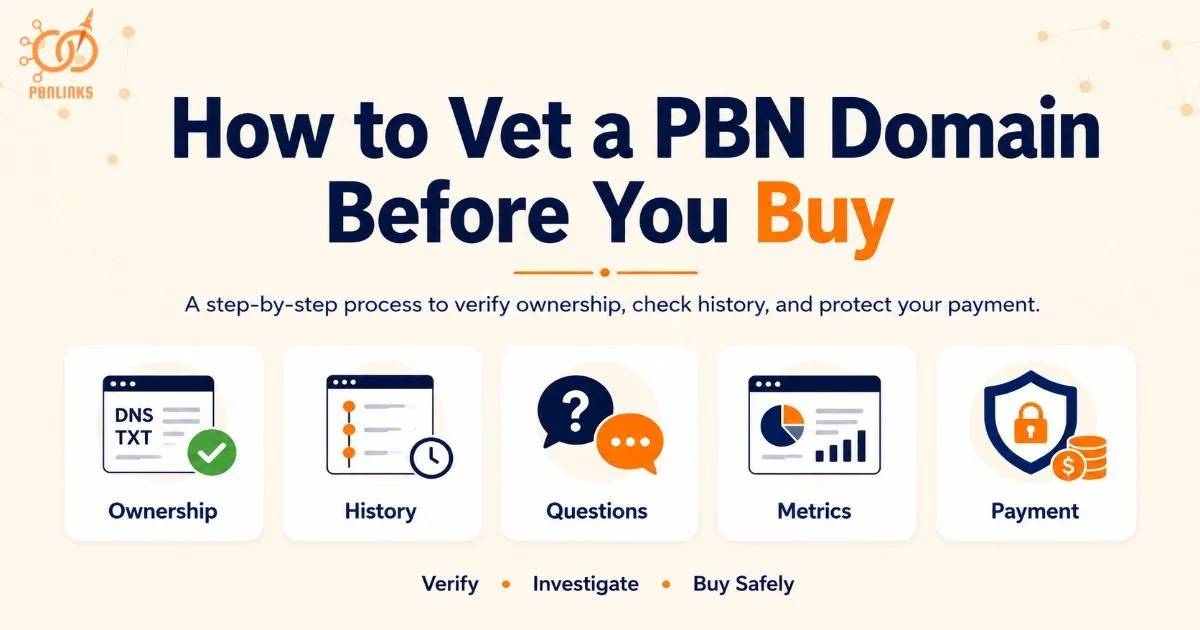
How to Vet a PBN Domain Before You Buy: Step-by-Step Process
You found a domain that looks perfect. Strong metrics, the right history, a price that seems fair. The seller sounds confident too. None of that tells you whether any of it’s actually true.
Knowing how to vet pbn domain sellers, not just the domains they’re offering, is the step most buyers skip entirely. They check the numbers, like the pitch, and pay. Sometimes the domain is exactly what was promised. Sometimes it isn’t, and by then the money’s already gone.
You probably already know how to judge a domain’s quality, metrics, history, topical fit. What most guides leave out is what happens next: making sure the person selling it to you is telling the truth, before you hand over a single dollar.
In this guide, you’ll find a handful of quick checks, from confirming real ownership to protecting your payment if something goes wrong. None of them take long. Skipping them is exactly how buyers get burned.
How to Vet PBN Domain Sellers, Not Just Domains
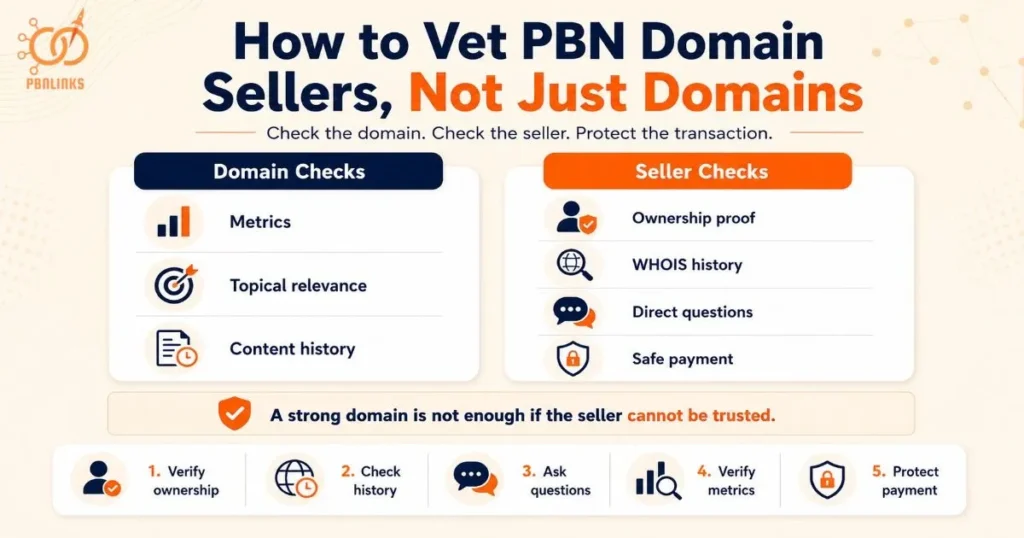
Because most buyers spend their time checking a domain’s metrics and very little time checking the person selling it, this is the step that ends up getting skipped most often.
There are two things worth checking before any purchase: the domain itself and the seller behind it. A domain can have a perfect DR, a clean TF/CF ratio, and a spotless content history, and still be worthless if the seller doesn’t actually own it, already sold it to someone else, or is hiding something about how it’s been used. In most cases, this is where the real risk sits, not in the metrics.
If you haven’t already run the standard domain quality checks, metrics, topical relevance, content history, it’s worth doing that first. This article picks up exactly where those checks end.
What follows is a five-step process for verifying the seller and the transaction itself, broken down so each step explains what to look for, how to actually do it, and what it means if something doesn’t add up. After that, a short list of red flags and common mistakes to watch for along the way.
Step 1: Verify Domain Ownership Before You Pay
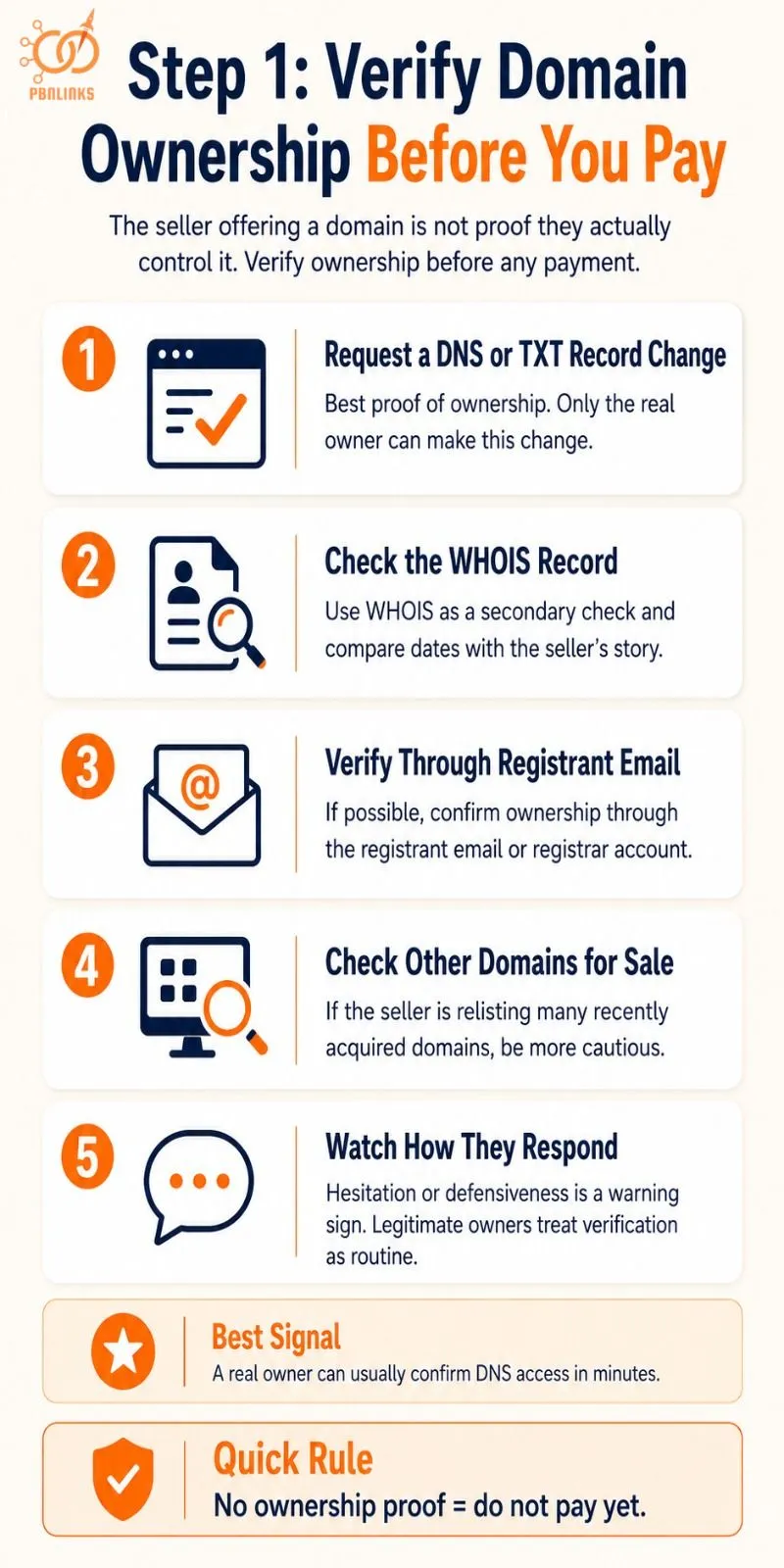
This is the most important check before any purchase. A seller offering a domain isn’t proof they actually control it, and skipping this step is how buyers end up paying for something that was never the seller’s to sell.
There are a few ways to confirm ownership, some stronger than others. Here’s how to run them in order.
Request a DNS or TXT Record Change
The most reliable way to confirm ownership is asking the seller to add a specific text record to the domain’s DNS, or briefly update a nameserver to something you specify. Only someone with real account access can make that change, and a real owner can do it in minutes.
Once that’s confirmed, WHOIS becomes a useful secondary check rather than your only one.
Check the WHOIS Record Too
WHOIS is worth checking, but it isn’t enough on its own. Compare the registration date against what the seller has told you, and treat any mismatch as a reason to dig further.
If WHOIS doesn’t give you a clear answer, the registrant email is the next place to look.
Ask for Verification Through the Registrant Email
You can also ask for verification through the registrant email if WHOIS privacy isn’t enabled, or through their registrar account if it is.
Beyond the domain itself, it’s worth looking at how the seller operates more broadly.
Check Whether the Seller Has Other Domains for Sale
A seller listing several domains at once isn’t unusual, but worth a quick look. If they’re all recently acquired and quickly relisted, treat the whole batch with more caution.
How the seller responds to all of this tells you almost as much as the checks themselves.
Watch How They Respond
Be wary of sellers who hesitate or get defensive when asked to verify any of this. A legitimate owner treats it as routine.
Step 2: Check the Domain’s Re-Registration History
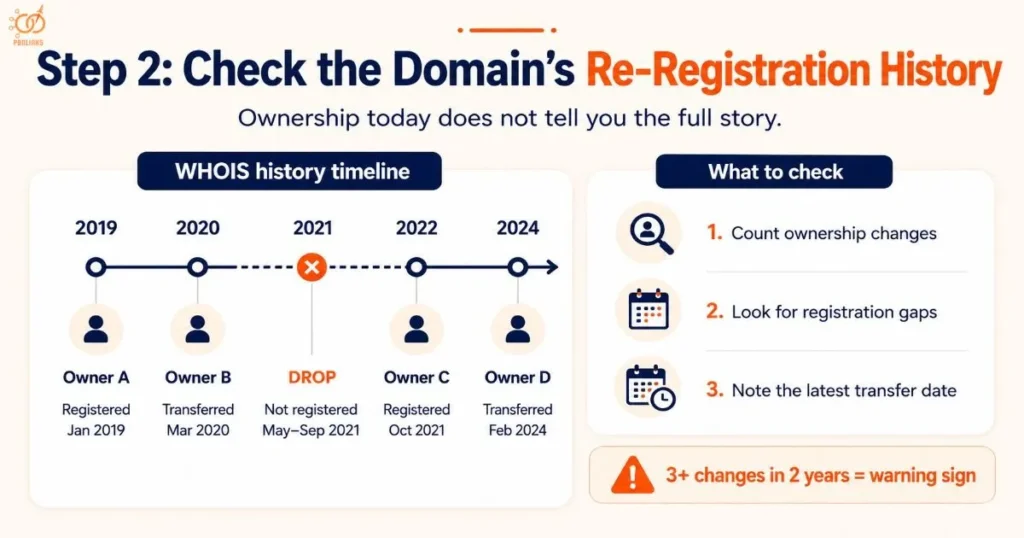
Confirming ownership only tells you who controls the domain today. It doesn’t tell you how many hands it’s passed through to get there, and that matters, because a domain that’s been resold several times in a short window has usually already been burned by another PBN.
A WHOIS history tool will show you the full timeline, every registrar change, every ownership transfer, and when each one happened. Reading that timeline correctly tells you whether you’re buying a stable asset or someone else’s leftovers.
Run the Domain Through a WHOIS History Tool
Go to a WHOIS history tool such as WhoisFreaks, DomainTools, or DomainDetails and search the domain name. Look past the current registration and open the full history view.
Count the entries. One or two changes over several years is normal. Three or more within the past two years is a recognized warning sign worth treating seriously.
Check the Gaps Between Each Entry
Look at the dates between registrations, not just the count. A domain registered, dropped, sat unregistered for six months, then re-registered tells a different story than one that moved straight from owner to owner with no gap. A gap usually means the domain was abandoned, possibly after being burned, before someone else picked it up.
Note the Date of the Most Recent Change
Find the date of the latest registration or ownership transfer. If it’s within the last 30 days, write that down specifically, you’ll want to ask the seller about it directly in the next step.
Screenshot the Timeline Before You Move On
Save a screenshot or export of the full history before you go further. If the seller’s story later contradicts what you found, you’ll want the original record, not a memory of it.
Once you have this timeline in hand, you’re ready to put it in front of the seller and see how their answers line up.
Step 3: Ask the Seller Direct Questions Before You Buy
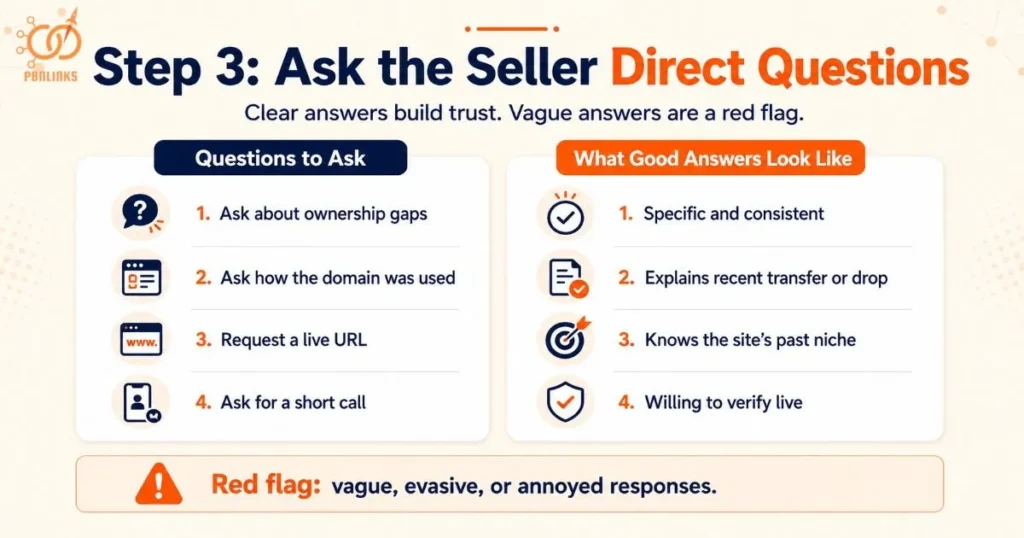
Once you have this timeline in hand, you’re ready to put it in front of the seller and see how their answers line up. Records tell you what happened. Direct questions tell you whether the person selling it is being straight with you.
A real owner can answer specifics without hesitating. A scammer, or someone reselling a domain they don’t fully understand, tends to get vague, deflect, or repeat the same rehearsed pitch no matter what you actually ask.
Ask About the Re-Registration Gap You Found
If your WHOIS check turned up a recent ownership change or a gap in registration, ask directly why. A legitimate seller can usually explain it, they bought it from auction, picked it up after it dropped, or acquired it as part of a batch. Vague answers or annoyance at the question are worth noting.
Ask How the Domain Was Previously Used
Ask what the domain’s site looked like before they owned it, and what niche or topic it covered. A real owner who’s done their own research can usually describe this. Someone reselling sight unseen often can’t.
Ask for a Live, Current Example
Ask the seller to show you the domain’s current live site, not a screenshot, an actual URL you can visit. This confirms the domain is set up and functioning the way they claim, not just registered and parked.
Request a Phone or Video Call
For any purchase that matters, ask for a short call. A legitimate seller has no real reason to refuse this. Someone unwilling to get on a call, or who only ever communicates through a marketplace messaging system with no other contact method, is a meaningful signal on its own.
What you learn from these questions feeds directly into the next step, since the seller’s own claims about metrics need to be checked independently too, not just taken on faith.
Step 4: Independently Verify the Seller’s Claimed Metrics
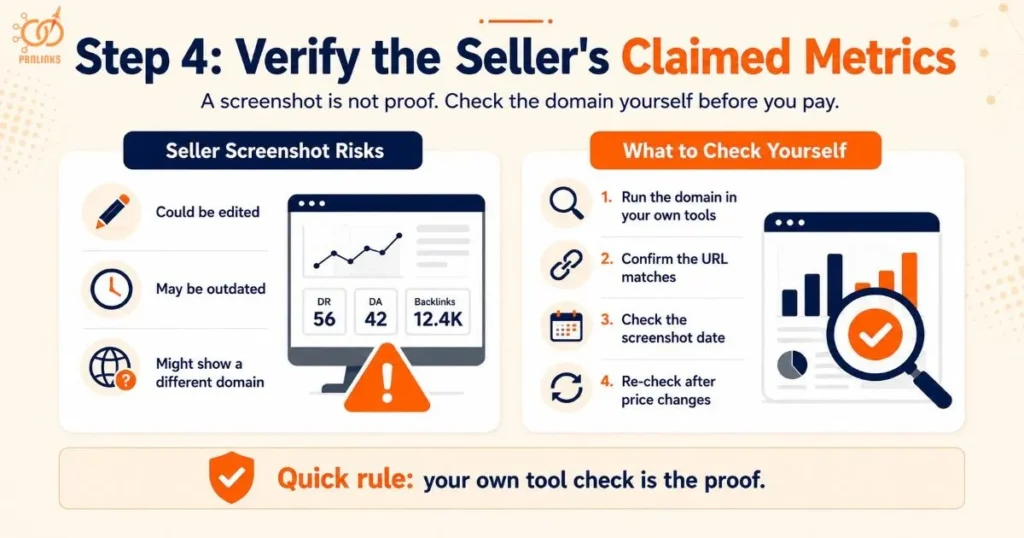
A seller’s screenshot is not proof. The only way to know a metric is real is to run the domain through the tool yourself, in your own account, using the seller’s exact domain, not a number they’ve sent you.
This matters because screenshots can be edited, outdated, or simply belong to a different domain than the one actually being sold. Here’s how to close each of those gaps.
Run the Domain Through Your Own Tools
Take the exact domain the seller is offering and check it yourself in Ahrefs, Majestic, or whichever tool you trust. Pull the number fresh, right before you make a decision, not from anything they’ve sent you.
A self-checked number is only useful if it’s current and tied to the right domain. Both of those need a second look.
Confirm the Screenshot Matches the Actual Domain
Look closely at the URL shown in any screenshot a seller provides. It happens more than buyers expect, a seller showing real metrics for a different, stronger domain than the one actually being sold.
Check the Date the Screenshot Was Taken
If a seller does send a screenshot, look for a timestamp. Metrics shift, sometimes significantly, and a screenshot from months ago may no longer reflect the domain’s current standing.
One more check matters if anything changes after this point.
Re-Check After Any Price Negotiation
If the price changes during negotiation, run the metrics check again before finalizing. A domain’s standing can shift in the time it takes to agree on a price, and it costs nothing to confirm.
This is the last domain-side check. From here, the focus shifts from what you’re buying to how you pay for it, since a clean domain from a verified seller still isn’t worth much if the payment itself isn’t protected.
Step 5: Protect Your Payment When Buying a PBN Domain
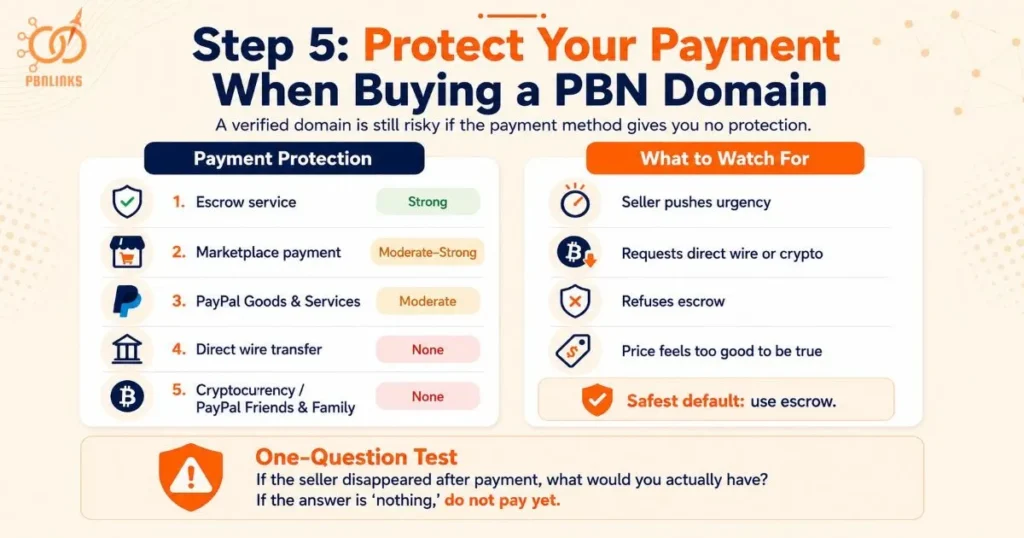
The safest way to pay for a PBN domain is through an escrow service that holds your money until the transfer is confirmed. Payment method matters as much as everything you’ve already verified.
Wiring funds or sending cryptocurrency directly to a seller offers no protection if they never deliver. Here’s how the common payment methods actually compare.
| Payment Method | Buyer Protection | Notes |
| Escrow service | Strong | Funds held until transfer confirmed, standard for transactions over a few hundred dollars |
| Marketplace-integrated payment | Moderate to strong | Protection varies by platform, check their dispute policy before relying on it |
| PayPal Goods & Services | Moderate | Some dispute protection, but proving a domain “wasn’t delivered” is harder than a physical item |
| Direct wire transfer to seller | None | Irreversible the moment it’s sent |
| Cryptocurrency sent directly | None | Same as wire transfer, irreversible and untraceable |
| PayPal Friends & Family | None | Removes all buyer protection by design, never use this for a domain purchase |
A buyer finds a domain priced well below similar sales. The seller explains they need to sell quickly and pushes for a direct wire instead of escrow, citing fees and delay. The buyer wires the money. The domain never transfers, and the seller stops responding. Every warning sign was present before the payment went out, a price that didn’t match the market, pressure to skip a safer method, and urgency that didn’t match how domain sales normally work.
Run the One-Question Test Before You Pay
Before sending any payment, ask yourself one question: if this seller disappeared the moment the money cleared, what would you have? If the honest answer is “nothing,” your payment method isn’t protecting you, regardless of how the deal feels.
This single question catches what the four steps before it sometimes miss. A seller can pass every verification check and still structure the payment so that none of it matters if they choose to walk away.
Red Flags That Should End a PBN Domain Purchase
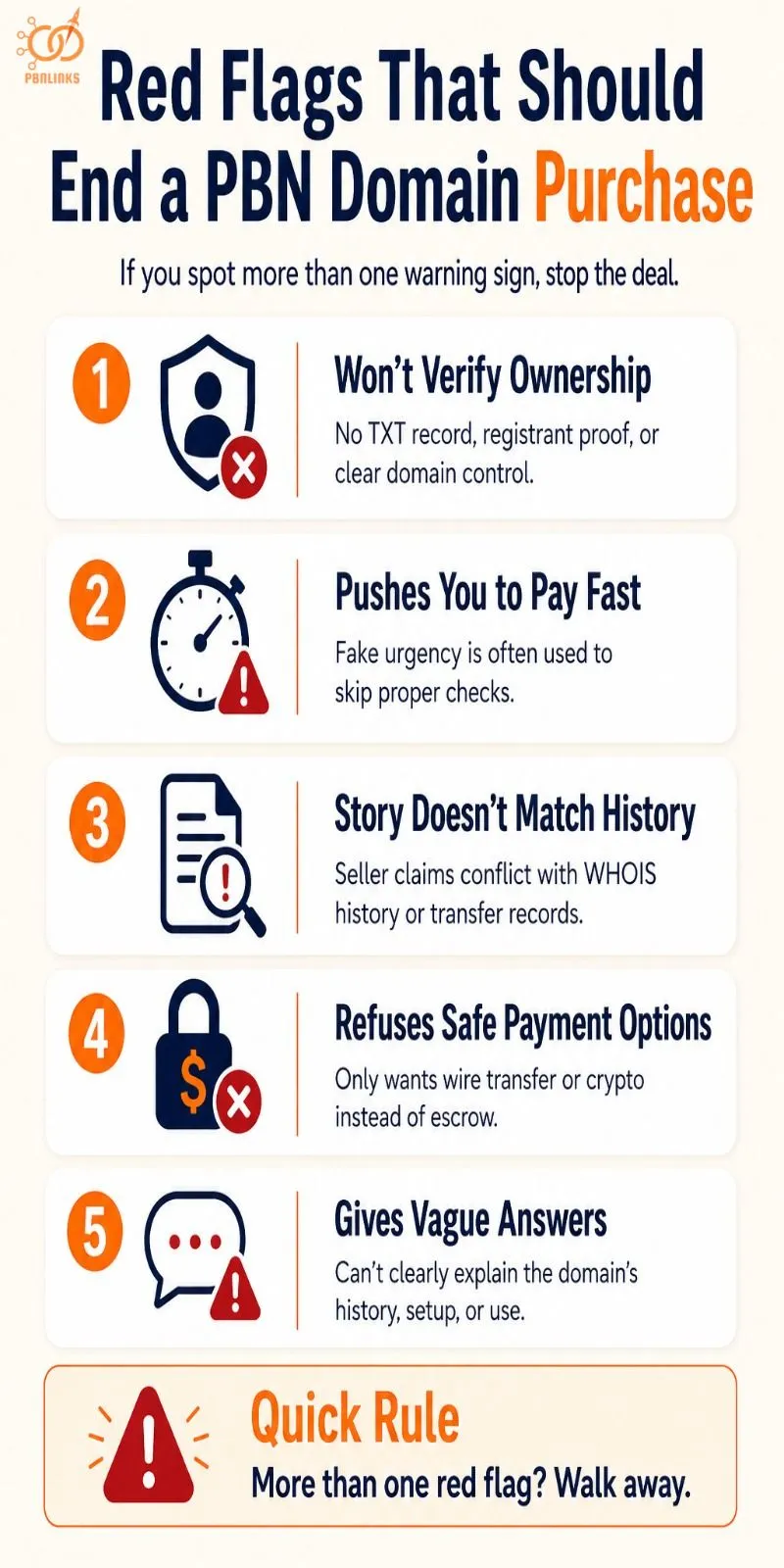
Most bad deals show warning signs before any money is sent. The seller’s actions usually give it away. By this point in the process, you may have already spotted one or two.
One warning sign alone doesn’t always mean walk away. But if you see more than one, that’s enough reason to stop.
They Won’t Verify Ownership
If the seller won’t add a TXT record, confirm through their registrant email, or prove they actually control the domain, that tells you something. Real sellers don’t see this as a big ask.
They Push You to Pay Fast
Lines like “another buyer wants it” or “this price ends today” aren’t real urgency. They’re meant to rush you past the checks you should be doing. Domain sales rarely move this quickly for honest reasons.
Their Story Doesn’t Match the Domain’s History
You checked the WHOIS history. If what the seller told you doesn’t line up with what it shows, that’s not a small mix-up. It means what they said and what’s true don’t match.
They Refuse Safe Payment Options
If a seller won’t use escrow or any payment method with protection, and only wants a direct wire or crypto sent straight to them, they’re asking you to give up your safety net. There’s rarely a good reason for that, beyond making it easy to disappear if something goes wrong.
They Give Vague Answers
If a seller can’t or won’t give clear answers about the domain’s history, setup, or use, something’s off. Either they don’t know what they’re selling, or they don’t want you to know. Both are reasons to pause.
If you’ve already seen one of these and still aren’t sure what to do, the next section covers the common mistakes that make red flags easy to miss in the first place.
Common Mistakes When Vetting a PBN Domain Seller
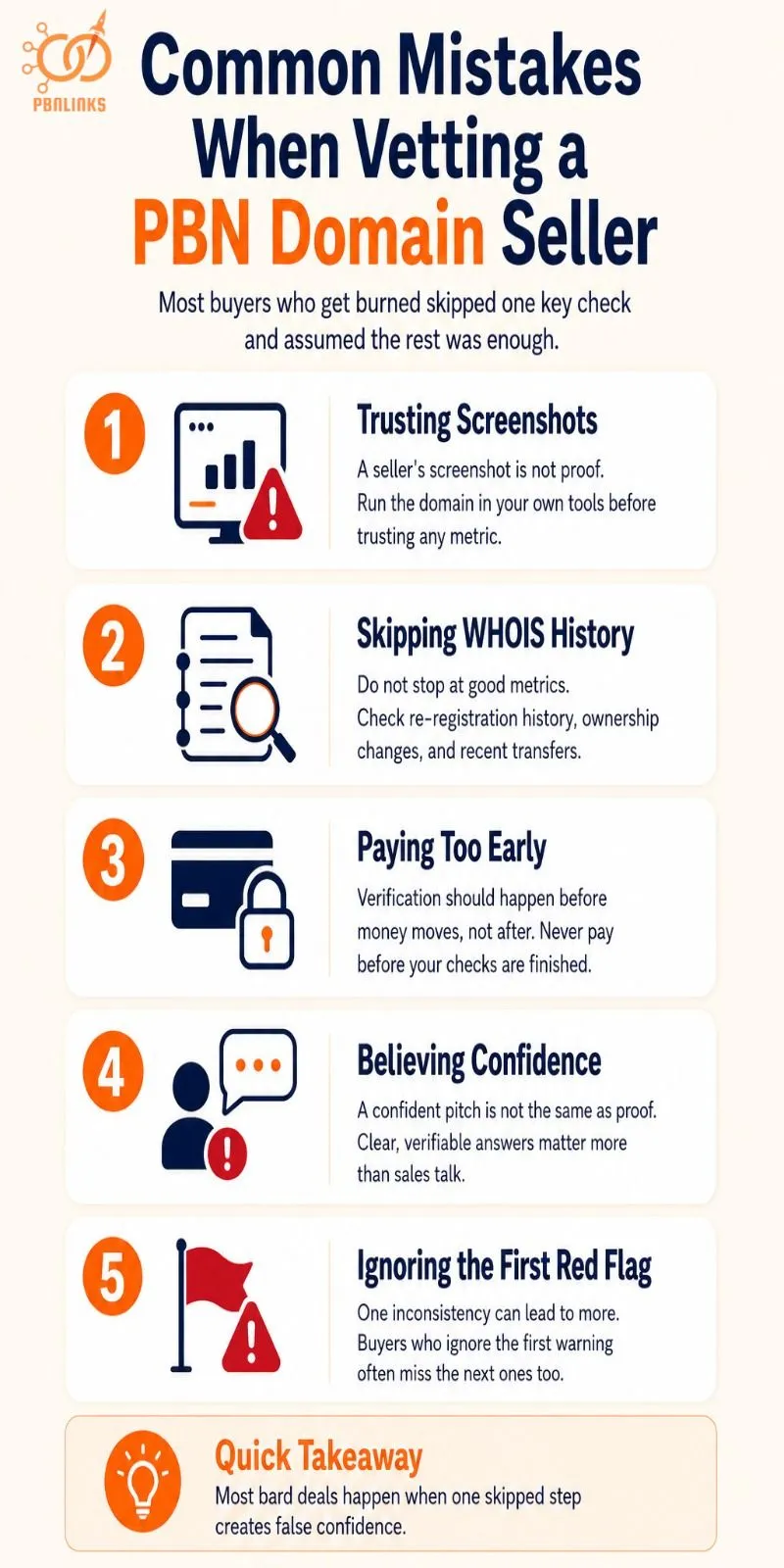
Most buyers who get burned didn’t skip every check. They usually skipped one, and assumed the rest covered for it.
Here are the mistakes that show up most often.
Trusting a Screenshot Instead of Checking It Yourself
A number sent by the seller isn’t proof of anything. It’s easy to crop, edit, or pull from a different domain entirely. Always run the check yourself before you trust it.
Skipping the Re-Registration Check
Buyers often go straight from “the metrics look good” to “let’s buy,” without ever pulling the WHOIS history. A domain that’s changed hands several times in a short window deserves a second look, even if everything else checks out.
Paying Before Verification Is Finished
Sometimes a deal feels urgent enough to skip ahead, send the payment first, sort out the details after. That order should never reverse. Every check in this guide is meant to happen before money moves, not after.
Mistaking a Confident Pitch for Proof
A seller who sounds knowledgeable and answers quickly isn’t the same as a seller who’s telling the truth. Confidence is easy to fake. Verifiable answers aren’t.
Treating One Red Flag as a Coincidence
A single odd answer or a small inconsistency can feel like nothing on its own, and often it is. But buyers who ignore the first warning sign are usually the ones who miss the second and third.
None of these mistakes happen because buyers don’t care. They happen because skipping a step feels faster, right up until it isn’t.
Conclusion
In conclusion, a domain can pass every metric check and still cost you money if the seller behind it isn’t who they claim to be. Verifying ownership through a real technical proof, not just a screenshot, comes first.
Checking the registration history catches domains that have already been through other networks. Asking direct questions and watching how a seller responds reveals more than their pitch ever will.
Running metrics independently, rather than trusting what’s sent to you, closes the last gap before payment. How you pay matters just as much, since a verified domain bought through an unprotected payment method still leaves you exposed. Most buyers who get burned skip one of these steps, not all of them, usually the one that felt unnecessary at the time.
pbnlinks.agency vets every domain in its network this same way, ownership confirmed, history checked, no shortcuts taken before a domain goes live. If you’d rather skip the vetting process entirely, get in touch with pbnlinks.agency for domains that have already passed it.
FAQs About How to Vet a PBN Domain Before You Buy
How do I know if a PBN domain seller is telling the truth?
Verify their claims independently rather than trusting their word. Ask them to confirm ownership through a DNS record change, check the domain’s registration history yourself, and watch how they respond when asked direct questions.
What proof should a seller provide before I pay?
A real seller can add a specific text record to the domain’s DNS or confirm ownership through their registrant email, proof that only the actual account holder could provide. A screenshot alone is not proof.
How many times can a domain be re-registered before it’s a red flag?
Three or more ownership changes within the past two years is a recognized warning sign. A domain that’s changed hands that often has likely already been used and discarded by other buyers.
Should I pay in full before verifying a domain?
No, every verification step should happen before any payment is sent. Paying first and verifying after removes your only leverage if something turns out to be wrong.
What is the safest way to pay for a PBN domain?
An escrow service that holds the payment until the transfer is confirmed is the safest option. Direct wire transfers and cryptocurrency sent straight to a seller offer no protection if they never deliver.
Can a seller fake domain metrics like DR or Trust Flow?
Yes, a screenshot can be cropped, outdated, or pulled from a completely different domain. Always run the exact domain through your own tools before trusting any number a seller sends you.
What happens if a PBN domain seller disappears after I pay?
If you paid through a protected method like escrow, the payment is typically held until the transfer is confirmed and can be recovered. If you paid by direct wire or cryptocurrency, recovery is unlikely and there is little recourse.
How do I check a domain’s ownership history before buying?
Use a WHOIS history tool such as WhoisFreaks, DomainTools, or DomainDetails to pull the full registration timeline. Look for the number of ownership changes, any gaps in registration, and how recently the domain last changed hands.
Is it normal for a domain seller to refuse a video call?
No, a legitimate seller has little reason to refuse a short call to verify the transaction. Refusing any form of direct contact, especially for a higher-value purchase, is worth treating as a meaningful warning sign
Does vetting a domain seller replace checking domain quality metrics?
No, the two are separate steps that both matter. Domain quality metrics confirm whether a domain is strong; seller verification confirms whether what you’re being told about it is actually true.